Changelog v1.22 - December 4, 2025
Summary
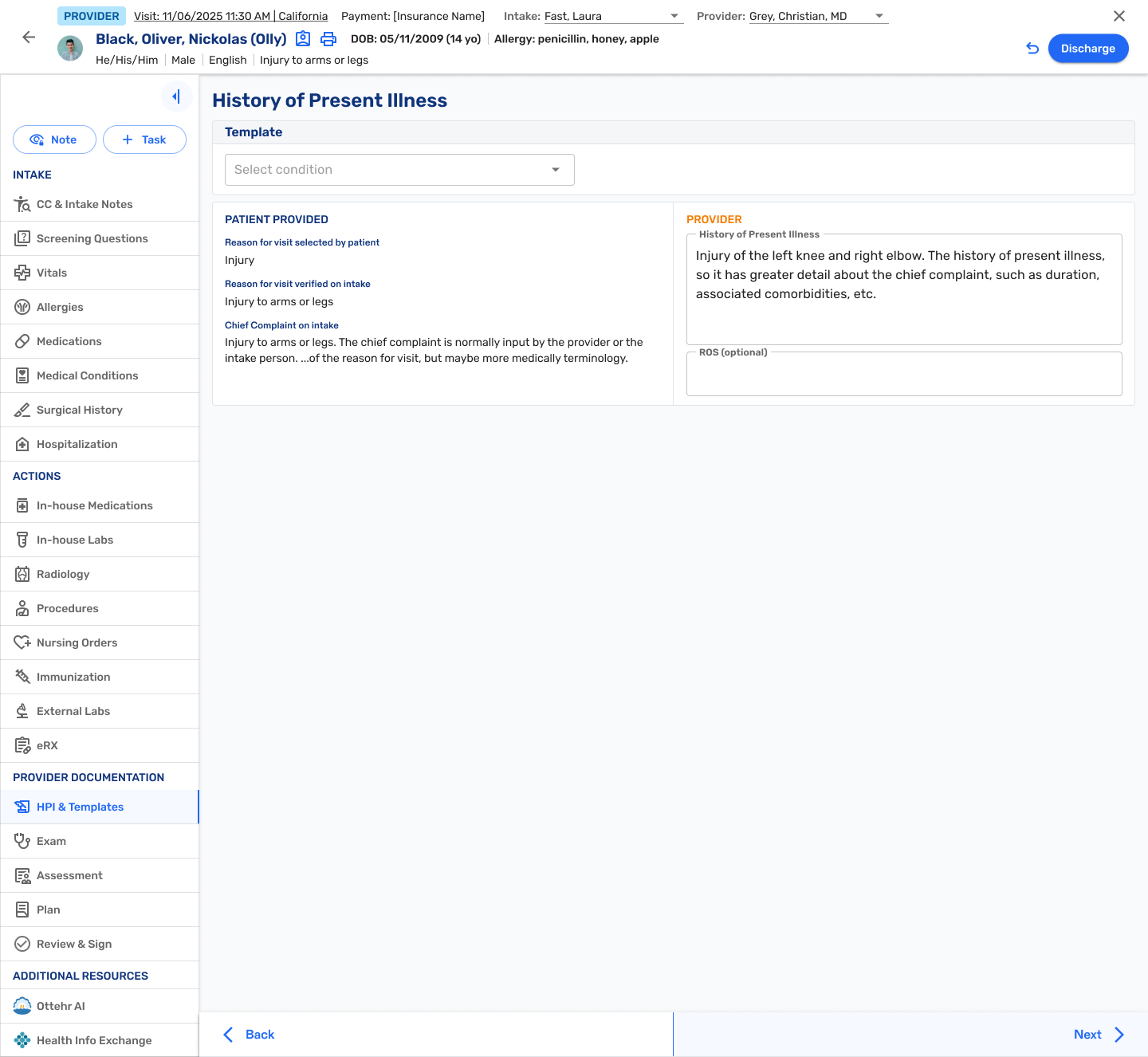
The side navigation bar for the Intake and Provider view has been reorganized with new sections grouped by three headers, 'Intake', 'Actions', and 'Provider'.
The Intake view and Provider view are now the same so as to allow free navigation among the options.
History of Present Illness (HPI)/Mechanism of Injury (MOI), and Template selection has now been pulled out into it's own tab for easier access.
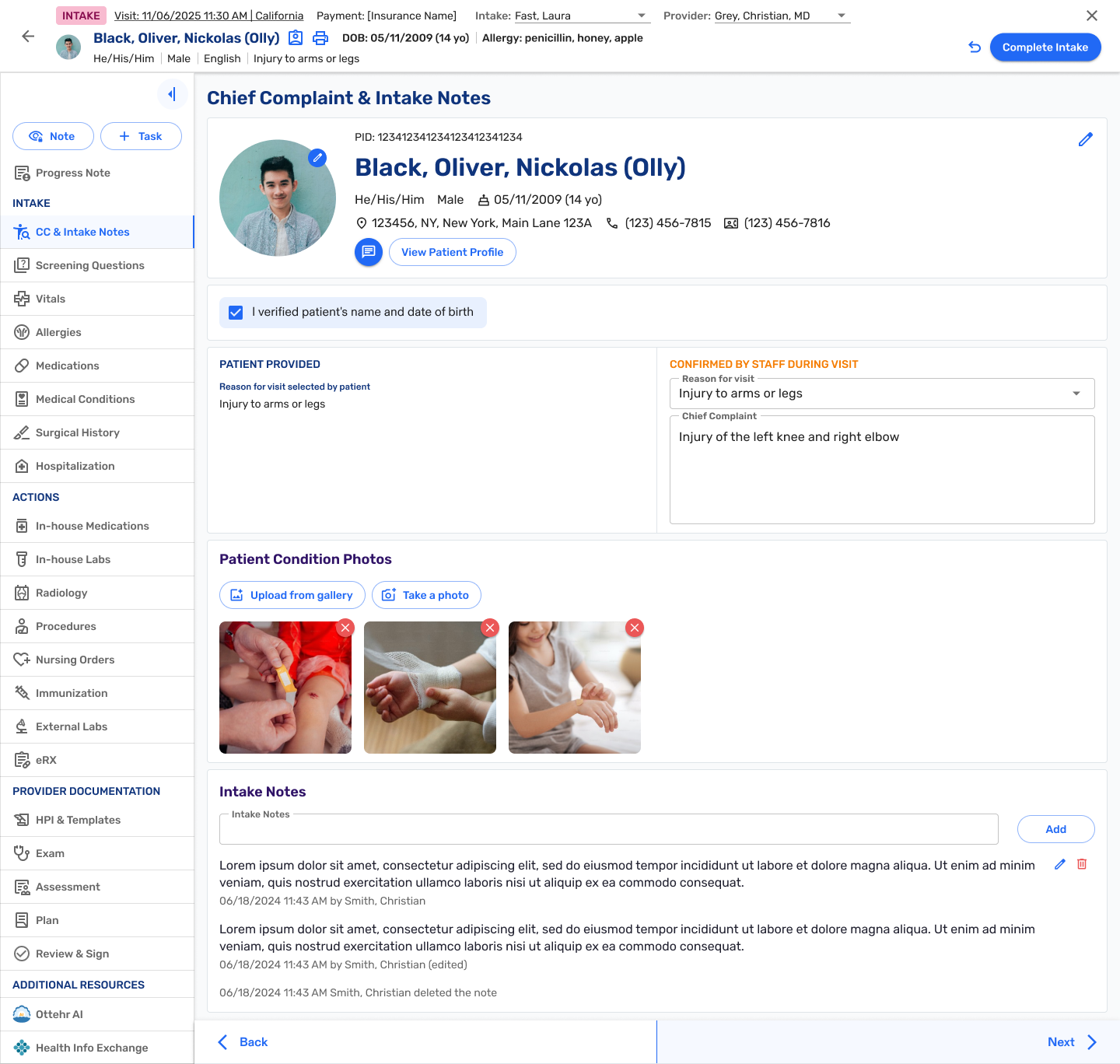
There is a new Chief Complaint screen also available in the side navigation.
Abnormal lab results are now tagged with an alert icon to highlight the test.

Patient Invoices, when ready, can now be generated from the Visit History page for the patient. Also, a new report has been added to allow discovery of invoiceable encounters and outstanding invoices.

UX Redesign
Navigation & Screens
- New History of Present Illness Screen (#4952 (opens in a new tab))
- New Chief Complaint (CC) & Intake Notes Screen (#4949 (opens in a new tab))
- Update Order of Side Navigation Menu Items (#4948 (opens in a new tab))
- Visit Information additions to the Top Navigation Bar (#4950 (opens in a new tab))
- Follow up. Display provider list in alpha order (#4778 (opens in a new tab))
Lab Orders
- Lab Orders - add re-print order pdf button to labs table (#4143 (opens in a new tab))
Clinical & Tasks
Task Management
- Clinical Tasks: Abnormal Lab Results flagged with an alert icon (#4810 (opens in a new tab))
- Completing task without assignment automatically assigns performer to the task. (#4713 (opens in a new tab))
RCM
Invoices and Reports
- Generate and send patient invoice from patient record (#4083 (opens in a new tab))
- New report to identify invoiceable patients (#4086 (opens in a new tab))
New codes for billable items
- Enable HCPCS Level II codes and NDC data to support claim processing (#4482 (opens in a new tab))
Patient App
Patient Settings & Data
- Display "Other" option at the end of the Insurances list (#4979 (opens in a new tab))
- Add additional language options to 'Preferred Language' drop-down field (#5102 (opens in a new tab))
System
Configuration Options
- Weight Unit Input Selection for Vital Documentation can be changed from Metric to Imperial (Toggle) (#5048 (opens in a new tab))